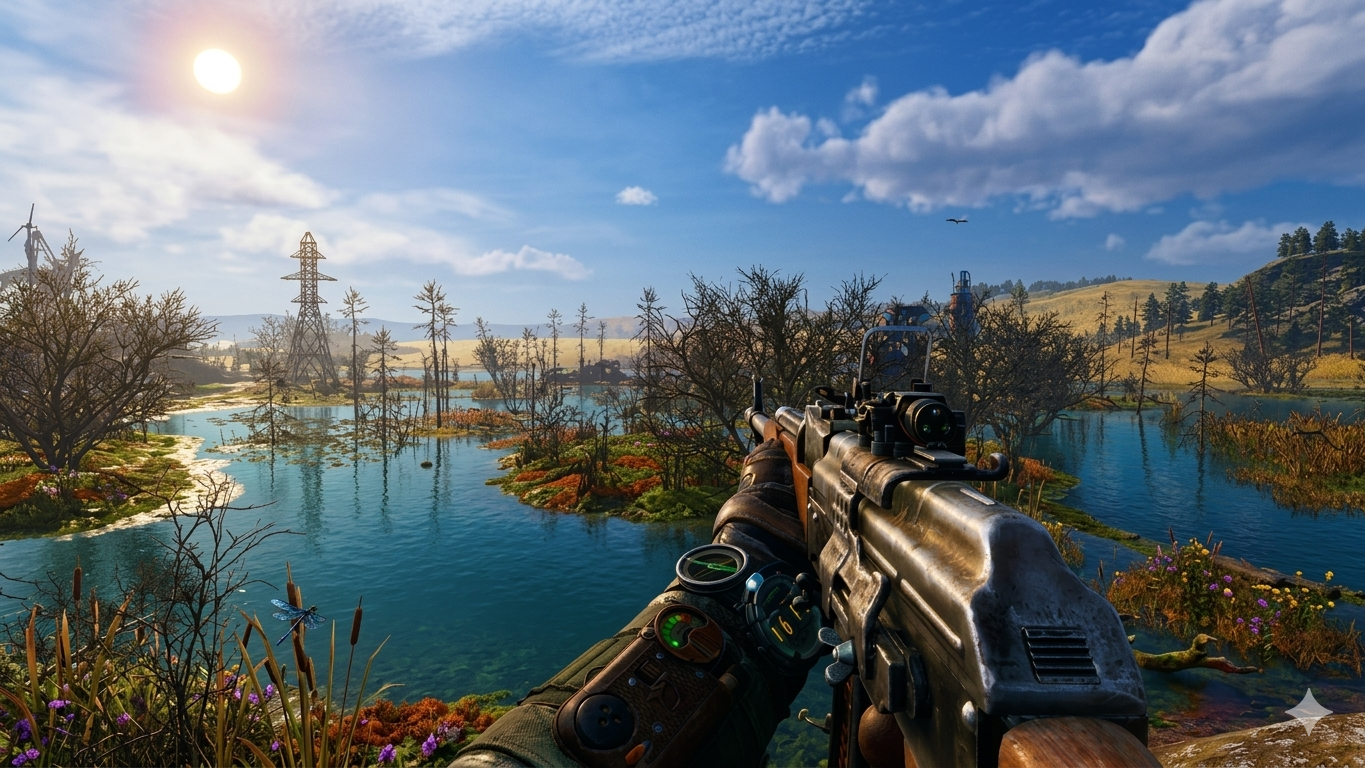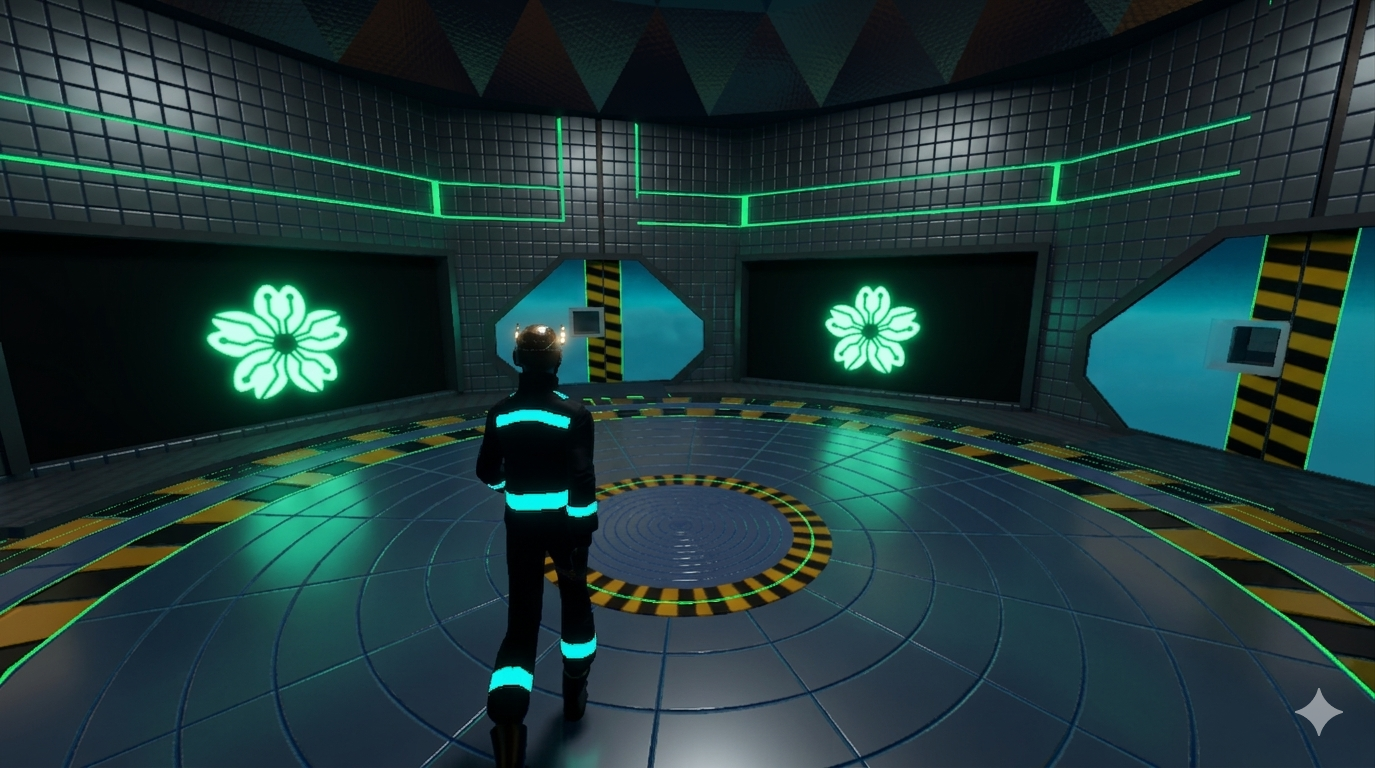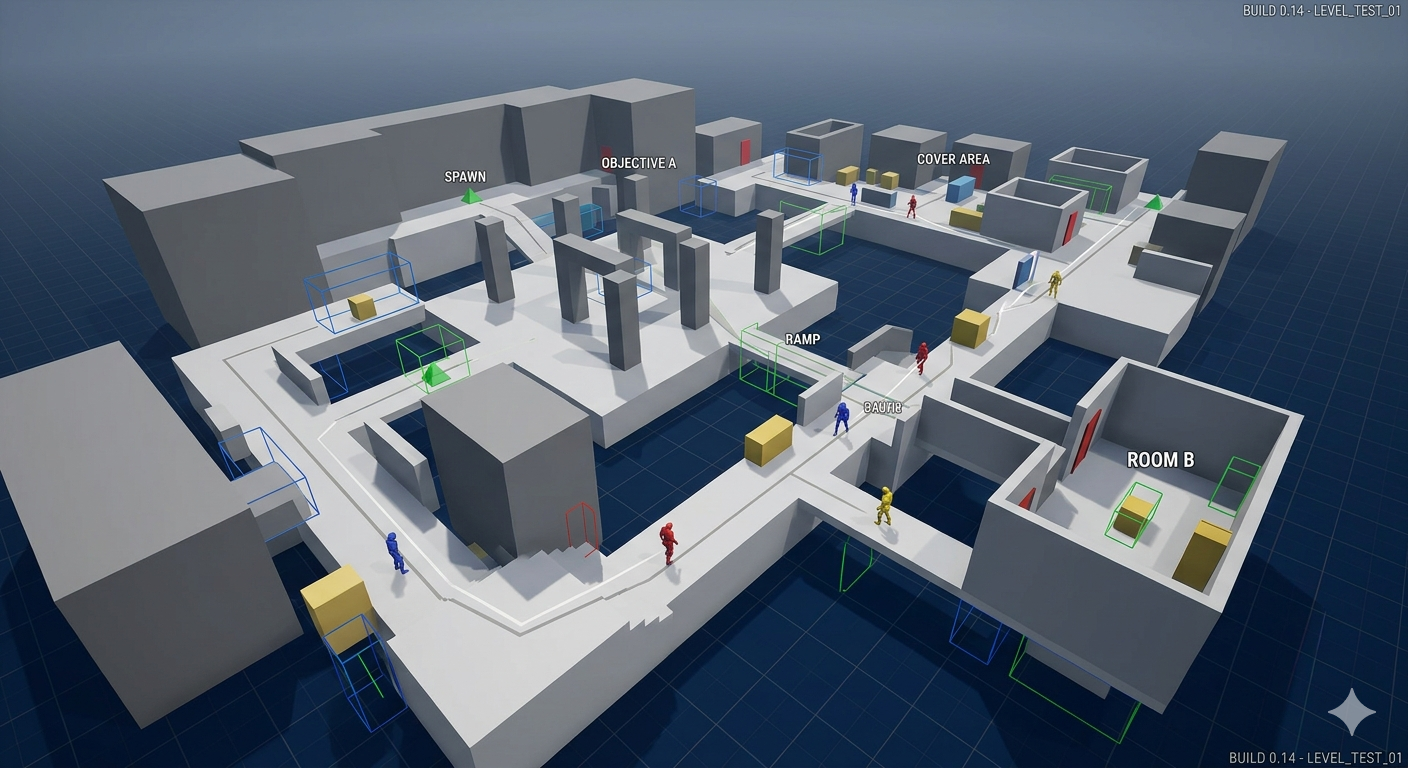
When developing in Godot, sometimes you need to explore your game world freely, without being confined to a fixed player character or the editor viewport. That’s where DebugCamera3D comes in: a runtime camera that gives you full editor-style fly controls inside your game.
This script is designed to let you move, look, and navigate anywhere, all while running the game.
Script
extends Camera3D
class_name DebugCamera3D


#region declarations
@export var active: bool = true

# input device config
@export var mouse_sensitivity_h: float = 0.01
@export var mouse_sensitivity_v: float = 0.01

@export var min_camera_rotation_degrees_v: float = -80.0
@export var max_camera_rotation_degrees_v: float = 80.0
@onready var min_camera_rotation_radians_v: float = deg_to_rad(min_camera_rotation_degrees_v)
@onready var max_camera_rotation_radians_v: float = deg_to_rad(max_camera_rotation_degrees_v)

# runtime config
@export var move_speed: float = 5.0
@export var modifier_multiplier: float = 4.0

var input_keys: Dictionary = {
	"forward": "W",
	"back": "S",
	"left": "A",
	"right": "D",
	"up": "E",
	"down": "Q",

	"modifier": "SHIFT",
	"debug_camera": "0",
}

#endregion


#region overrides
func _ready() -> void:
	setup_input_map()
	set_active(active)


func _unhandled_input(event: InputEvent) -> void:
	if event.is_action_pressed("debug_camera"):
		set_active(not active)
		set_physics_process(active)

	if not active:
		return

	if event is InputEventMouseMotion:
		var rot := Vector3.ZERO
		rot.y -= event.relative.x * mouse_sensitivity_h
		rotation.y += wrapf(rot.y, 0, TAU)
		rot.x -= event.relative.y * mouse_sensitivity_v
		rotation.x = clampf(
			rotation.x + rot.x,
			min_camera_rotation_radians_v,
			max_camera_rotation_radians_v
		)


func _physics_process(delta: float) -> void:
	var direction: Vector3 = move_axis()

	if direction == Vector3.ZERO:
		return

	var final_move_speed: float = move_speed if not Input.is_action_pressed("modifier") else move_speed * modifier_multiplier

	global_transform.origin += delta * direction * final_move_speed
#endregion


#region input
func set_active(state: bool) -> void:
	active = state
	if active:
		current = true
		Input.set_mouse_mode(Input.MOUSE_MODE_CAPTURED)
	else:
		Input.set_mouse_mode(Input.MOUSE_MODE_VISIBLE)


static func get_input_vector(forward_input: String, back_input: String, left_input: String, right_input: String) -> Vector2:
	var input_direction: Vector2 = Input.get_vector(left_input, right_input, forward_input, back_input)
	return input_direction


static func horizontal_input_direction(view_basis: Basis, input_direction: Vector2) -> Vector3:
	var vector3_input_direction := Vector3(input_direction.x, 0, input_direction.y)
	var result: Vector3 = (view_basis * vector3_input_direction).normalized()
	return result


static func _vertical_motion(up_input: String, down_input: String) -> float:
	return Input.get_action_strength(up_input) - Input.get_action_strength(down_input)


static func vertical_input_direction(view_basis: Basis, input_direction: float) -> Vector3:
	var vector3_input_direction := Vector3(0.0, input_direction, 0.0)
	var result: Vector3 = (view_basis * vector3_input_direction).normalized()
	return result


func move_axis() -> Vector3:
	var move_vector: Vector2 = get_input_vector("forward", "back", "left", "right")
	var horizontal_direction_vector: Vector3 = horizontal_input_direction(global_basis, move_vector)
	var vertical_direction_vector: Vector3 = vertical_input_direction(global_basis, _vertical_motion("up", "down"))
	return (horizontal_direction_vector + vertical_direction_vector) #.normalized() #?
#endregion


#region input_map
func setup_input_map() -> void:
	for action_name: String in input_keys.keys():
		setup_input(action_name, input_keys[action_name])


static func setup_input(action_name: String, default_key: String) -> void:
	if not InputMap.has_action(action_name):
		InputMap.add_action(action_name)

	if InputMap.action_get_events(action_name).is_empty():
		var event := InputEventKey.new()
		event.keycode = OS.find_keycode_from_string(default_key)
		InputMap.action_add_event(action_name, event)
#endregion
Breakdown
This script creates a free-flying debug camera for Godot 4.
A debug camera is a tool used by developers to freely explore a game world while testing. Instead of controlling a character, the camera itself moves through the scene.
Features:
-
Fly anywhere in the scene
-
Mouse look camera control
-
Horizontal and vertical movement
-
Speed modifier for faster movement
-
Toggle camera control on or off
The script extends Camera3D, so it can be attached directly to a camera node.
Basic Setup
-
Create a Camera3D node.
-
Attach this script.
Script Overview
The script works through three main systems:
-
Camera activation
-
Mouse rotation
-
Free movement
Movement is calculated every physics frame, while camera rotation happens when mouse input events are received.
Class Definition
class_name DebugCamera3D
extends Camera3D means the script controls a camera node.
class_name DebugCamera3D registers the script as a named class, so it can be added directly from the Godot node creation menu.
Exported Variables
Exported variables appear in the Inspector, allowing developers to change values without editing the script.
Camera Active State
@export var active: boolThis variable determines whether the debug camera is currently active.
If active is false, the camera will ignore input.
Mouse Sensitivity
@export var mouse_sensitivity_h: float@export var mouse_sensitivity_v: floatThese values control how fast the camera rotates when the mouse moves.
-
mouse_sensitivity_hcontrols horizontal movement -
mouse_sensitivity_vcontrols vertical movement
Vertical Rotation Limits
@export var min_camera_rotation_degrees_v: float@export var max_camera_rotation_degrees_v: floatThese values limit how far the camera can rotate up or down.
Because Godot internally uses radians, the script converts them.
@onready var min_camera_rotation_radians_v: float = deg_to_rad(min_camera_rotation_degrees_v)@onready var max_camera_rotation_radians_v: float = deg_to_rad(max_camera_rotation_degrees_v)The function deg_to_rad() converts degrees into radians.
Documentation:
https://docs.godotengine.org/en/stable/classes/class_@globalscope.html#class-globalscope-method-deg-to-rad
Movement Speed
@export var move_speed: floatThis controls how fast the camera moves.
@export var modifier_multiplier: floatThis multiplier increases movement speed when the modifier key is pressed.
For example:
If move_speed = 5.0 and modifier_multiplier = 4.0, the fast speed becomes 20.0.
Initialization
When the scene starts, _ready() runs.
func _ready() -> void:
    set_active(active)
This line calls the function set_active(active) to apply the starting state of the camera.
If active is true, the camera becomes the active view.
Input Handling
Input events are processed in this function.
func _unhandled_input(event: InputEvent) -> void:This function receives input that was not consumed by UI elements.
Documentation:
https://docs.godotengine.org/en/stable/classes/class_node.html#class-node-method-unhandled-input
Toggling the Debug Camera
if event.is_action_pressed("debug_camera"):
    set_active(not active)
    set_physics_process(active)
Explanation:
-
event.is_action_pressed("debug_camera")checks if the debug camera input was pressed. -
set_active(not active)switches the camera between active and inactive. -
set_physics_process(active)enables or disables the_physics_process()function.
Ignoring Input When Disabled
if not active:
    return
If the debug camera is not active, the function stops immediately and ignores the rest of the input.
Mouse Look
Mouse movement rotates the camera.
if event is InputEventMouseMotion:This checks if the input event is mouse movement.
Creating the Rotation Vector
var rot := Vector3.ZEROThis creates a vector that will store rotation changes.
Horizontal Camera Rotation
rot.y -= event.relative.x * mouse_sensitivity_h
rotation.y += wrapf(rot.y, 0.0, TAU)
Explanation:
-
event.relative.xis how far the mouse moved horizontally. -
The value is multiplied by
mouse_sensitivity_h. -
wrapf(rot.y, 0, TAU)keeps the rotation between0andTAU.
TAU represents a full circle in radians (2π) or 360.0 degrees.
Vertical Camera Rotation
rot.x -= event.relative.y * mouse_sensitivity_vThis line converts vertical mouse movement into vertical camera rotation.
Limiting Vertical Rotation
rotation.x = clampf(
    rotation.x + rot.x,
    min_camera_rotation_radians_v,
    max_camera_rotation_radians_v
)
clampf() prevents the camera from rotating past the allowed limits.
Documentation:
https://docs.godotengine.org/en/stable/classes/class_@globalscope.html#class-globalscope-method-clampf
Camera Movement
Movement happens in this function.
func _physics_process(delta: float) -> void:This function runs every physics frame.
Documentation:
https://docs.godotengine.org/en/stable/tutorials/physics/physics_introduction.html
Getting Movement Direction
var direction: Vector3 = move_axis()This line calls the function move_axis() to calculate the movement direction.
Stopping Movement When No Input Exists
if direction == Vector3.ZERO:
    return
If the player is not pressing movement keys, the function stops and the camera does not move.
Calculating Movement Speed
var final_move_speed: float = move_speed if not Input.is_action_pressed("modifier") else move_speed * modifier_multiplierIf the modifier key is not pressed, the speed is move_speed.
If the modifier key is pressed, the speed becomes: move_speed * modifier_multiplier
Moving the Camera
global_transform.origin += delta * direction * final_move_speedThis line moves the camera through the world.
Breakdown:
-
directiondetermines where the camera moves -
final_move_speeddetermines how fast it moves -
deltakeeps movement consistent across different frame rates
Activating and Deactivating the Camera
The function set_active() handles camera activation.
func set_active(state: bool) -> void:
    active = state
    if active:
        current = true
        Input.set_mouse_mode(Input.MOUSE_MODE_CAPTURED)
    else:
        Input.set_mouse_mode(Input.MOUSE_MODE_VISIBLE)
When active:
current = trueThis makes the camera the active view.
Input.set_mouse_mode(Input.MOUSE_MODE_CAPTURED)This locks the mouse to the center of the screen.
When inactive:
Input.set_mouse_mode(Input.MOUSE_MODE_VISIBLE)The mouse cursor becomes visible again.
Movement Input Functions
These functions convert keyboard input into movement directions.
Getting 2D Movement Input
var input_direction: Vector2 = Input.get_vector(left_input, right_input, forward_input, back_input)This converts four movement inputs into a single normalized direction vector.
Documentation:
https://docs.godotengine.org/en/stable/classes/class_input.html#class-input-method-get-vector
Converting Horizontal Movement
var vector3_input_direction := Vector3(input_direction.x, 0, input_direction.y)var result: Vector3 = (view_basis * vector3_input_direction).normalized()This converts the 2D input vector into a 3D direction based on the camera's orientation.
Vertical Movement Input
return Input.get_action_strength(up_input) - Input.get_action_strength(down_input)This line calculates vertical movement input.
Pressing the up key produces positive movement.
Pressing the down key produces negative movement.
Converting Vertical Movement
var vector3_input_direction := Vector3(0.0, input_direction, 0.0)var result: Vector3 = (view_basis * vector3_input_direction).normalized()This converts vertical input into a 3D direction.
Combining Movement Directions
Movement is combined inside the function:
func move_axis() -> Vector3:Inside this function:
var move_vector: Vector2 = get_input_vector("forward", "back", "left", "right")Gets horizontal movement input.
var horizontal_direction_vector: Vector3 = horizontal_input_direction(global_basis, move_vector)Converts horizontal movement into a 3D direction.
var vertical_direction_vector: Vector3 = vertical_input_direction(global_basis, _vertical_motion("up", "down"))Converts vertical movement into a 3D direction.
Finally:
return horizontal_direction_vector + vertical_direction_vectorThis combines both directions into a single movement vector.
Why Debug Cameras Are Important
Debug cameras allow developers to:
-
explore large levels quickly
-
inspect geometry
-
test environments without a player character
-
view the scene from any angle
Because the script moves the camera directly using
the camera ignores physics and can move anywhere in the scene.
Extremely useful for debugging.
com
full time NPC, part time ByteBloomer software developer